It’s often the little things that quietly drain your team's weekly bandwidth. For many operators, getting accurate labor costs from field timesheets to reflect in the Profit & Loss statement is a constant, frustrating battle.
You are likely burning hours every pay period manually managing this core business function. Scattered data across numerous spreadsheets makes month-end a guessing game of trying to match hours worked to specific projects. You might have tried off-the-shelf software, but quickly found that those tools lack the necessary customization, forcing your team to bend their workflow just to feed the software.
That is the wrong approach. At QREW Technologies, our core principle is simple: Tech that fits your business, not the other way around. When businesses operators bring us on as an outsourced technology team , fixing this manual data drain is often the first problem we solve. Through our Development Retainer services, we act as a strategic technology partner that helps you build custom, scalable processes.
Here is our technical blueprint for how we automate QuickBooks labor costing to give you a perfect, up-to-date P&L.
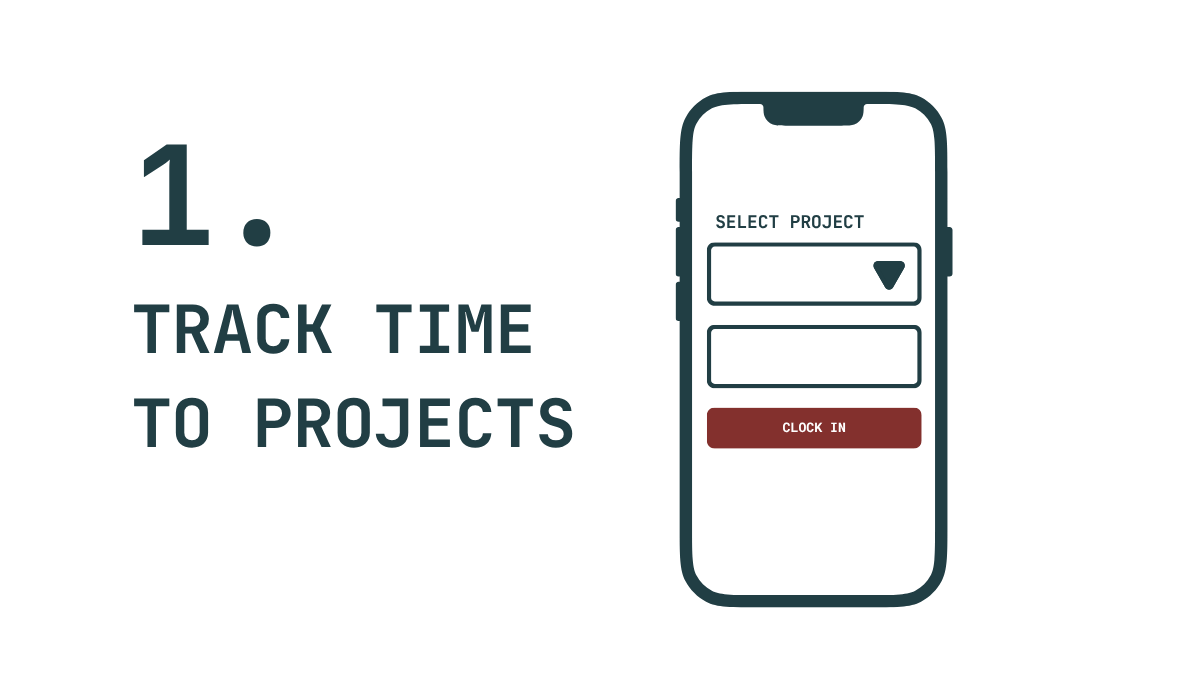
If the data entry process is clunky, your team won't use it. Instead of forcing field workers into a complex portal, we build a straightforward, mobile-friendly application—often leveraging Google's AppSheet platform. This allows employees to easily and accurately tie their time directly to specific projects with just a few taps on their phone.
This custom app becomes the basis for the core operational logic that can be further customized to support varied labor rates, employee specific cost codes, and other edge cases for the way you bill customers and pay your employees
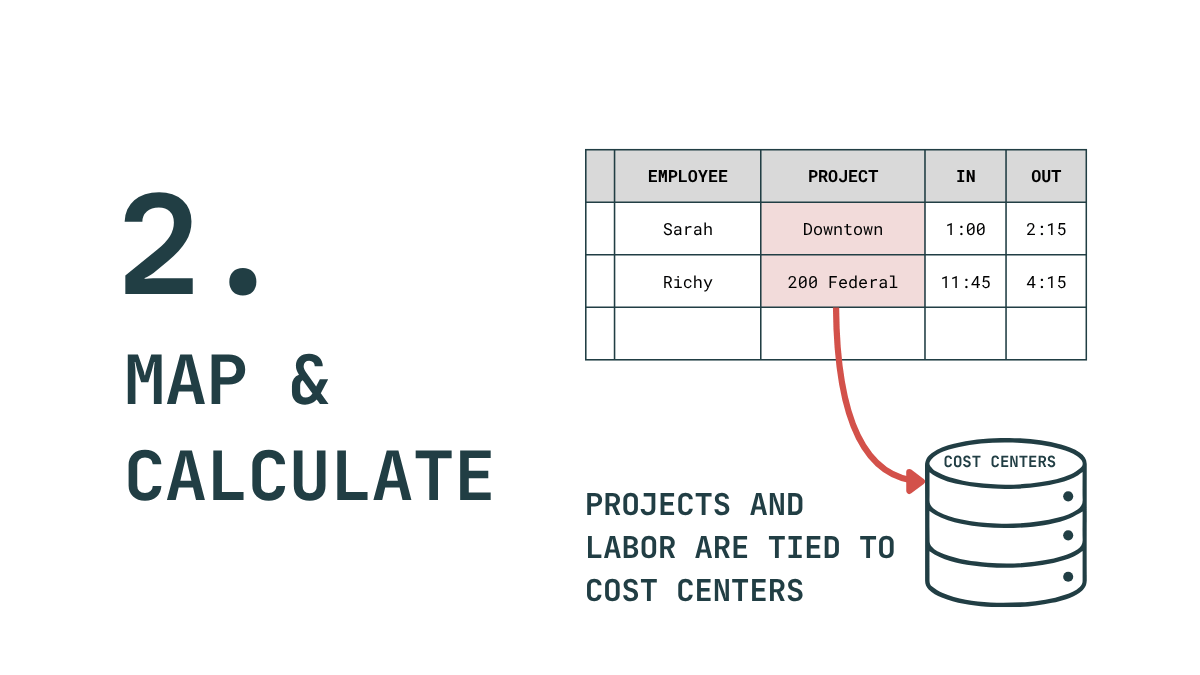
Raw time data isn't enough; it needs business context. We architect a secure, unified database that maps your projects types directly to your specific Accounting Cost Centers. By centralizing this data, we break down the silo between field operations and the finance department.
Even this process can have automations configured to keep the system up to date as you open new service lines, or update your chart of accounts.
This is where we get the computer to really work for you. We write custom code and logic to intercept that timesheet data and break out the precise labor cost by cost center for each specific pay period. Every time card is checked against the project code and employee labor code to calculate the amount due to each cost center.
This step removes the manual spreadsheet math entirely, ensuring precise job costing based on your exact business rules.
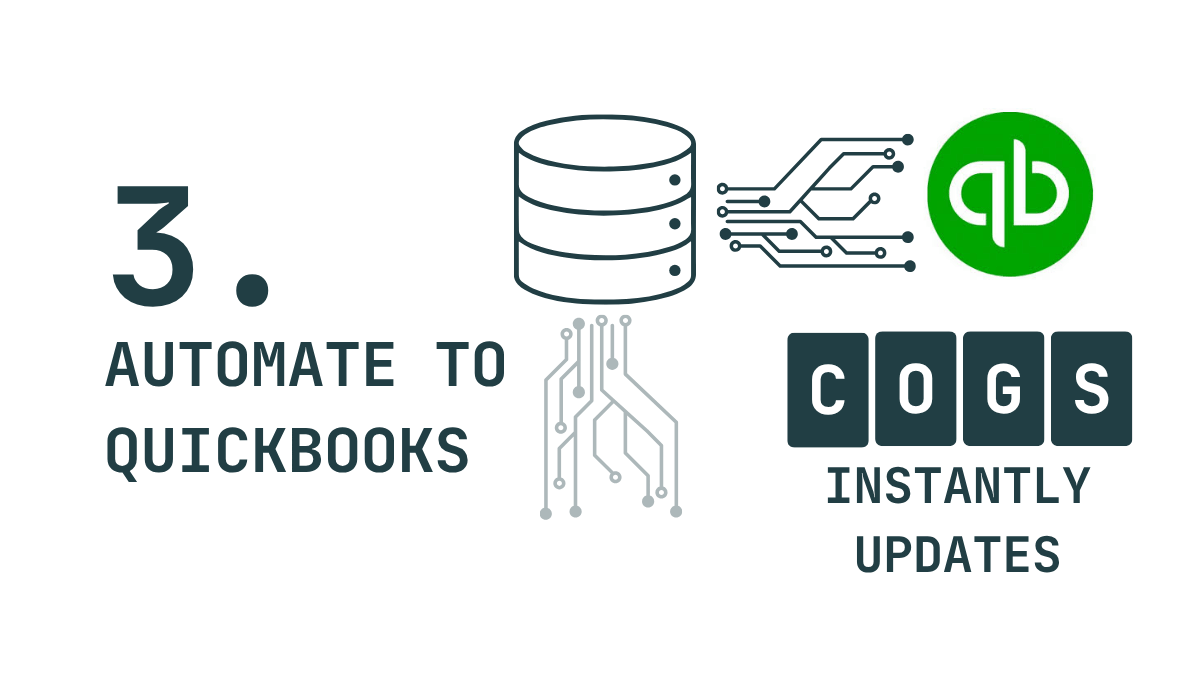
Finally, we build a secure, direct API integration into QuickBooks. Rather than someone exporting a CSV and manually uploading it, our system automatically generates and posts the correct journal entry directly to your general ledger.
Tools like Zapier and n8n have out of the box Quickbooks connectors, but in order to properly format the journal entries that map each amount to the corresponding account requires fine grained API control. Using dozens of QB actions or even AI generated code is not usually enough to get this step running reliably.
We write a custom javascript step in n8n or Pipedream to dial in the perfect API call to Quickbooks, ensuring your data gets uploaded correctly and without error.
When you automate QuickBooks labor costing this way, the results are immediate. As soon as you run payroll, you are one button press away from a precise, up-to-date P&L with labor properly and automatically allocated.
Throw the paper forms in the trash. Delete the spreadsheets. It's time to gain massive technical leverage over your operation.
Ready to stop guessing your labor costs? We automate the admin work to get you focused on the things that actually move the needle.
Talk to an Advisor today to learn how a Development Retainer can streamline your operations.